shape shape shape

How to Film Yourself Alone

To film yourself alone, use a tripod and a voice-controlled camera app like Shootsolo. Say "start recording" to begin each take, "stop recording" to end it, then "yes" to save or "no" to reshoot — no walking back to the phone and no second person required.


  • Download for iPhone
  • Download for Android
Shootsolo app preview dots

How do you film yourself professionally without a crew?

Filming yourself professionally without a crew comes down to two things: stable framing and frictionless take management. A tripod handles the framing; Shootsolo handles the take management by letting you start, stop, and review clips using voice alone.

How Shootsolo works

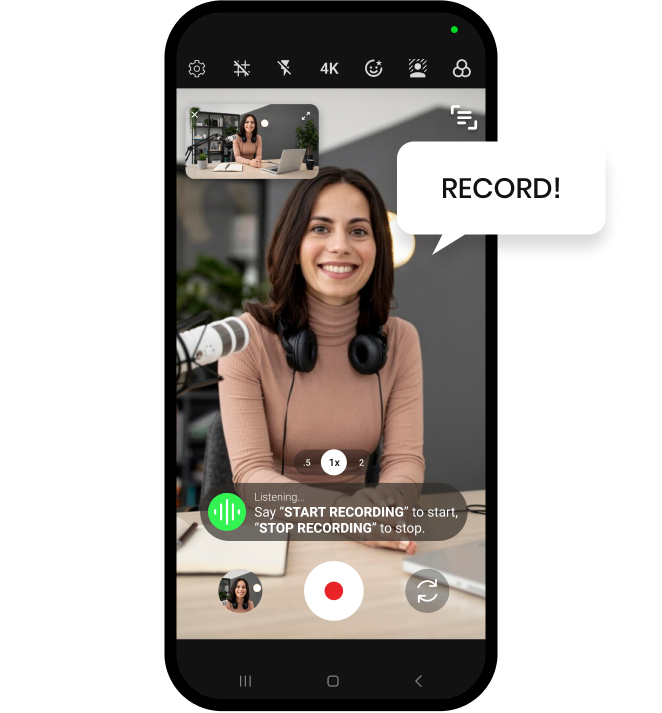
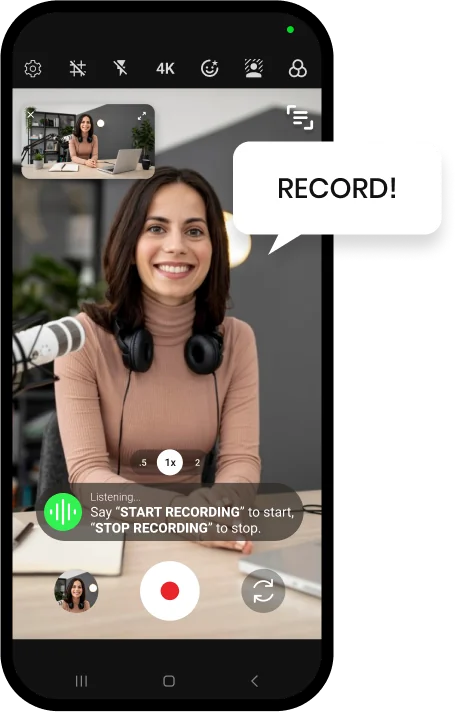
Saying Record to start a hands-free take in Shootsolo

Say "start recording"

Shootsolo begins the take instantly — no taps, no countdown.

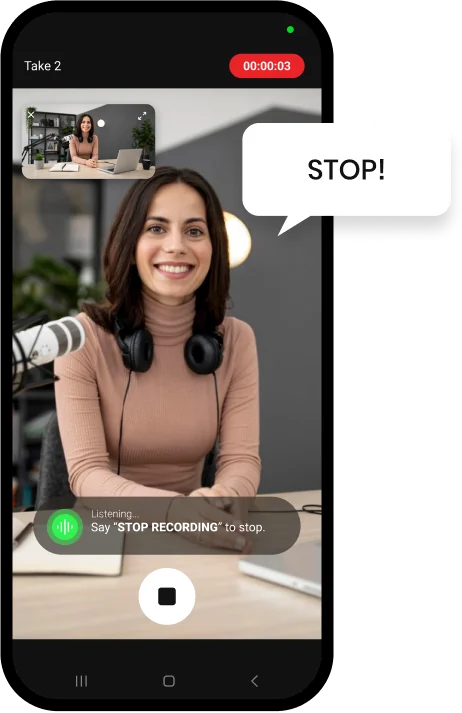
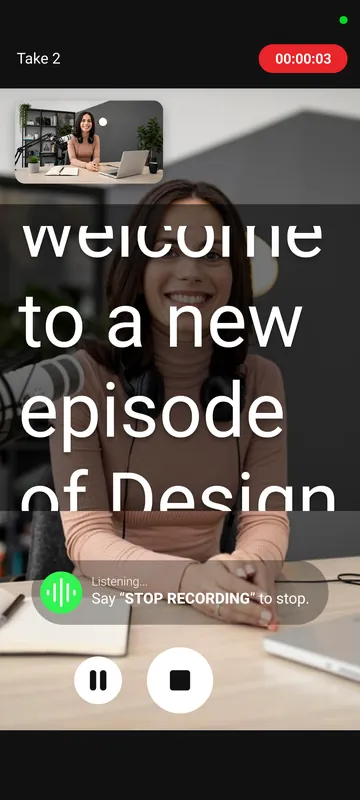
Saying Stop to end the take in Shootsolo

Say "stop recording"

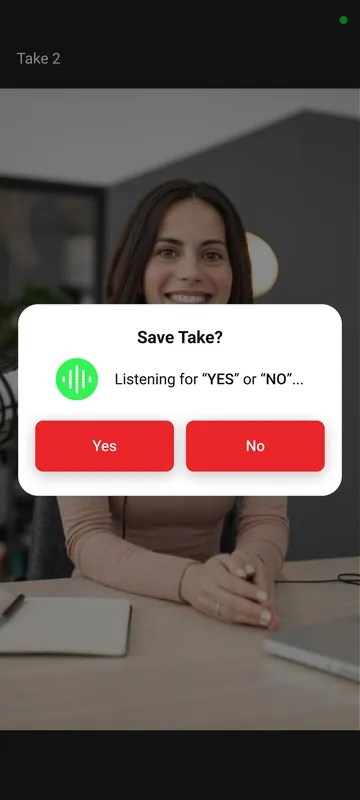
Shootsolo stops and asks "Save take?"

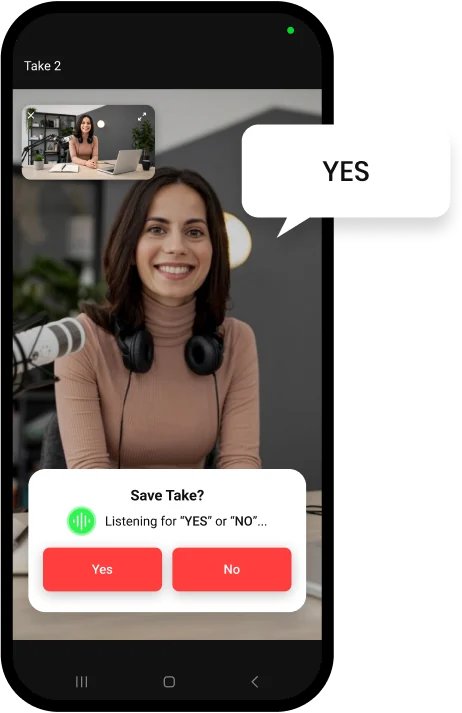
Saying Yes to the Save Take prompt in Shootsolo

Say "yes" or "no"

Say "yes" to keep the take or "no" to reshoot — hands-free.

Why creators choose Shootsolo

  • Run your own shoot like a one-person production
  • Review takes in real time using voice
  • No need to hire or schedule a second person
  • Read your lines from the built-in teleprompter instead of memorizing them
  • One take, two formats — portrait and landscape are saved together
  • Prefer a clicker? Bluetooth shutter remotes work as an alternative to voice
  • Free and unlimited — no ads, no watermark, no subscription
Shootsolo teleprompter scrolling a script while recording Shootsolo asking Save Take? and listening for Yes or No

Stop walking back to the tripod

Most creators who try to film alone waste a huge portion of their shoot walking back and forth to their phone. Shootsolo solves that by turning voice into your control surface: you stay on-camera, in-frame, and in-character while the app handles the recording logistics. Filming alone also means nobody is there to reshoot a vertical version, so Shootsolo can record portrait and landscape at the same time from a single take. And if you'd rather press a button than speak, it supports Bluetooth shutter remotes and external microphones too.


Download for iPhone   Download for Android

Frequently Asked Questions

What's the best way to film yourself alone?

Use a tripod for stable framing and Shootsolo for hands-free voice control. You'll save hours per shoot and get better takes.

Can I film yourself alone without a tripod?

You can prop your phone against something stable, but a tripod is strongly recommended for consistent framing. Shootsolo handles the rest.

How do I know which take to keep when filming alone?

Shootsolo asks "Save take?" after every clip — say "yes" to keep it or "no" to reshoot. You review in real time and only keep the good clips.

Is it hard to film yourself alone as a beginner?

Not with the right tools. Shootsolo is designed for beginners — all you need to remember is "start recording", "stop recording", then "yes" or "no". When you want more control, "pause recording", "resume recording", "play video", and "close video" work by voice too.

Can I film myself alone for YouTube or TikTok?

Yes — Shootsolo works for any platform, including YouTube, TikTok, Instagram Reels, and more.

Do I have to film twice to get vertical and horizontal versions?

No. Shootsolo saves every take in both portrait and landscape at the same time, so one take covers Reels, TikTok, Shorts, and YouTube — no re-filming and no cropping.

How much does it cost to film yourself alone with Shootsolo?

Nothing. Shootsolo is completely free with unlimited recording — no subscription, no ads, and no watermark on your videos. It also works 100% offline.

Download Shootsolo — Free

Available on iPhone and Android.


Download for iPhone   Download for Android